

The latest iOS 27 beta reportedly contains code indicating that Apple is preparing to bring several professional photography and videography tools into the stock Camera app. Developer pdfu says features include exposure scopes, focus peaking, highlight clipping overlays, and true manual focus controls. The same code also points to a self-timer burst mode and new image processing support for the rumored variable aperture on the iPhone 18 Pro. None of these features are currently enabled in the iOS 27 betas, but they offer a glimpse of what may arrive before the software’s public release.
Professional tools inside Apple’s Camera app
Apple has historically designed the Camera app to appeal to everyone. Its interface is simple, with shutter controls and modes that make it easy for family snapshots. But the company has also tried to give photographers extra control through features like manually locking focus and exposure, adjusting exposure compensation, and tapping to reframe. As the app evolved, Apple added formats such as ProRAW and ProRes, and the new code would expand its professional credentials even further.
Many enthusiasts still consider third-party replacements essential because the stock app lacks some standard tools used by serious photographers. Histograms, focus peaking, and zebra indicators are common on dedicated cameras, but they have not been built into the iPhone Camera app before. If the findings are accurate, Apple may be moving toward closing that gap. That could matter especially for shooters who want one device for both everyday photography and more deliberate work.
Given that the code is not active in betas, caution is appropriate. Apple often experiments with features internally and may not ship them. Still, pdfu’s findings appear credible based on the level of detail in the code and the demos posted online.
Exposure scopes
Getting exposure right is a central challenge in photography. The iPhone screen can be bright and contrasty, making a scene look correctly exposed even when the image is not. Histograms are common on dedicated cameras and show distribution of tones from shadows to highlights. A waveform displays the same brightness information in a different layout, useful in video production. The code reportedly includes complete implementations of both features.
For photographers, waveform is perhaps more relevant to video, while histogram is familiar in stills. Having native access to these scopes in the viewfinder could eliminate the need to rely on third-party apps for basic exposure readings. Users could see if shadows are crushed or highlights are clipped before pressing the shutter, which is particularly helpful in outdoor conditions.
Focus peaking
Focus peaking is an aid that highlights edges with strong local contrast, typically with a colored overlay. It is found on many mirrorless and cinema cameras and is especially valuable when shooting video. When only part of a scene is in focus, visual estimation can fail. The overlay gives a bright color to the regions that are tack sharp, making it easy to adjust focus precisely. The code points to focus peaking being integrated directly into the Camera app’s preview.
The reported feature would likely benefit macro photography as well as video. It may also be helpful in portrait work where shallow depth of field requires exact placement of focus. The source says that once enabled, focus peaking and highlight clipping can be rendered individually or together in the preview. Combining them gives a clear view of both focus and exposure issues without cluttering the screen too much.
Highlight clipping
Highlight clipping is the visual warning that bright parts of an image have exceeded their maximum brightness values. Dedicated cameras often show flashing zebra patterns to alert users. This is important because overexposed highlights are usually impossible to recover in editing. Underexposed shadows are often recoverable because digital sensors tend to retain more hidden detail in darker areas. But when highlights are clipped to pure white, the data is gone. The code reportedly includes zebra-style highlight clipping overlays in the Camera app.
Having this feature would allow users to adjust exposure compensation or move the camera to avoid blasting the sky. Some cameras let users set the threshold for zebras at a specific percentage, such as 90%, so they can see when highlights are approaching danger rather than waiting until the image is fully blown. It remains unclear whether Apple will expose threshold control or promote a fixed zebra display.
Manual focus controls
Manual focus in a smartphone camera has always been awkward. The current app lets users lock autofocus by tapping and holding an area, but it does not provide a true distance adjustment. Pdfu says code indicates a slider for manual focus has been tested. This could be a significant addition for exact control in stills and video.
The rumor notes that manual focus may be limited to one or more upcoming iPhone models. That could suggest a hardware component, such as the variable aperture or an improved sensor with specific focusing mechanics. It could also mean Apple is waiting until an iPhone model has enough computational power to make the feature useful. Either way, it points toward a more capable camera interface for pro users.
Self-timer burst and variable aperture support
Alongside the main four features, the code reportedly includes an option to take a series of self-timed photos. When shooting group photos, rarely is a single frame perfect. People may be blinking or looking away. The automatic burst with self-timer would allow users to place the camera and then select the best frame later. That mirrors a common workflow for group shots using a tripod.
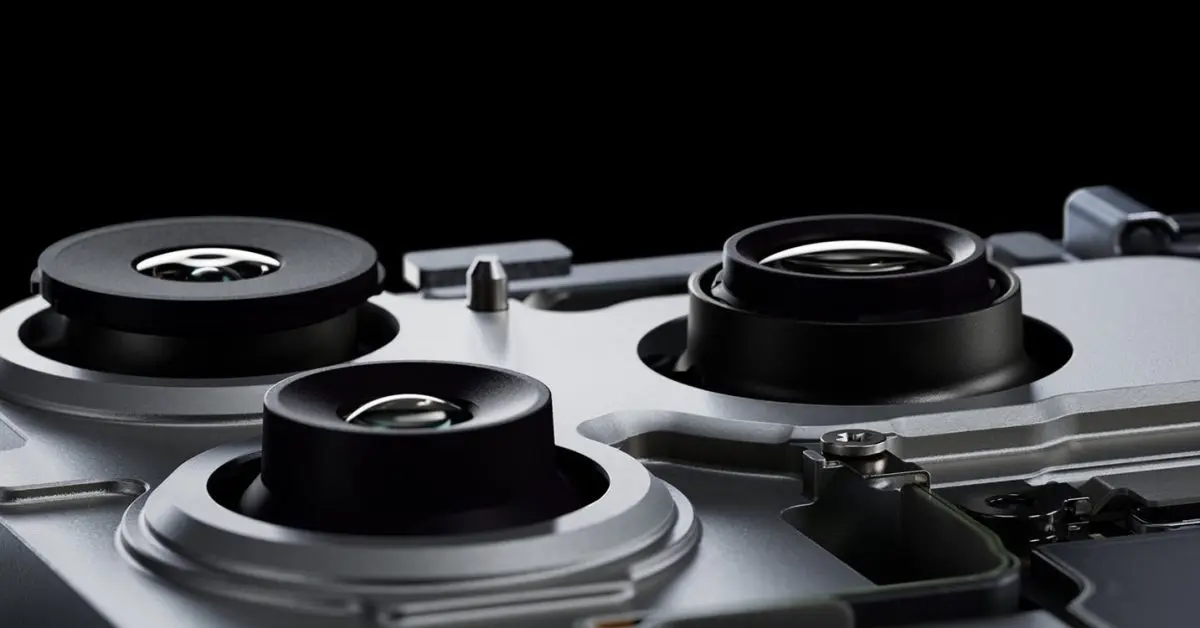
The final reported item involves new image processing for a variable aperture on the iPhone 18 Pro. A variable aperture can change the amount of light entering the lens, potentially offering more creative control over depth of field and exposure. If Apple introduces this hardware, the Camera app will need algorithms that account for different light gathering and lens characteristics. That could result in a more advanced computational pipeline behind the scenes.
If these features ship, they could represent one of the biggest updates to Apple’s Camera app software in years. The pro tools would not necessarily make the app complicated for casual users, because these overlays and controls can remain optional and hidden by default. Advanced options could appear when photographers need them. That approach aligns with Apple’s history of letting new capabilities enhance a familiar interaction rather than rewriting the whole interface. What is less certain is when these tools will arrive and whether all of them will be tied to the next iPhone hardware. The presence of code in a beta is a strong signal that Apple is at least exploring the idea, but the final product may still evolve before iOS 27 reaches users.
Source: 9to5Mac News