

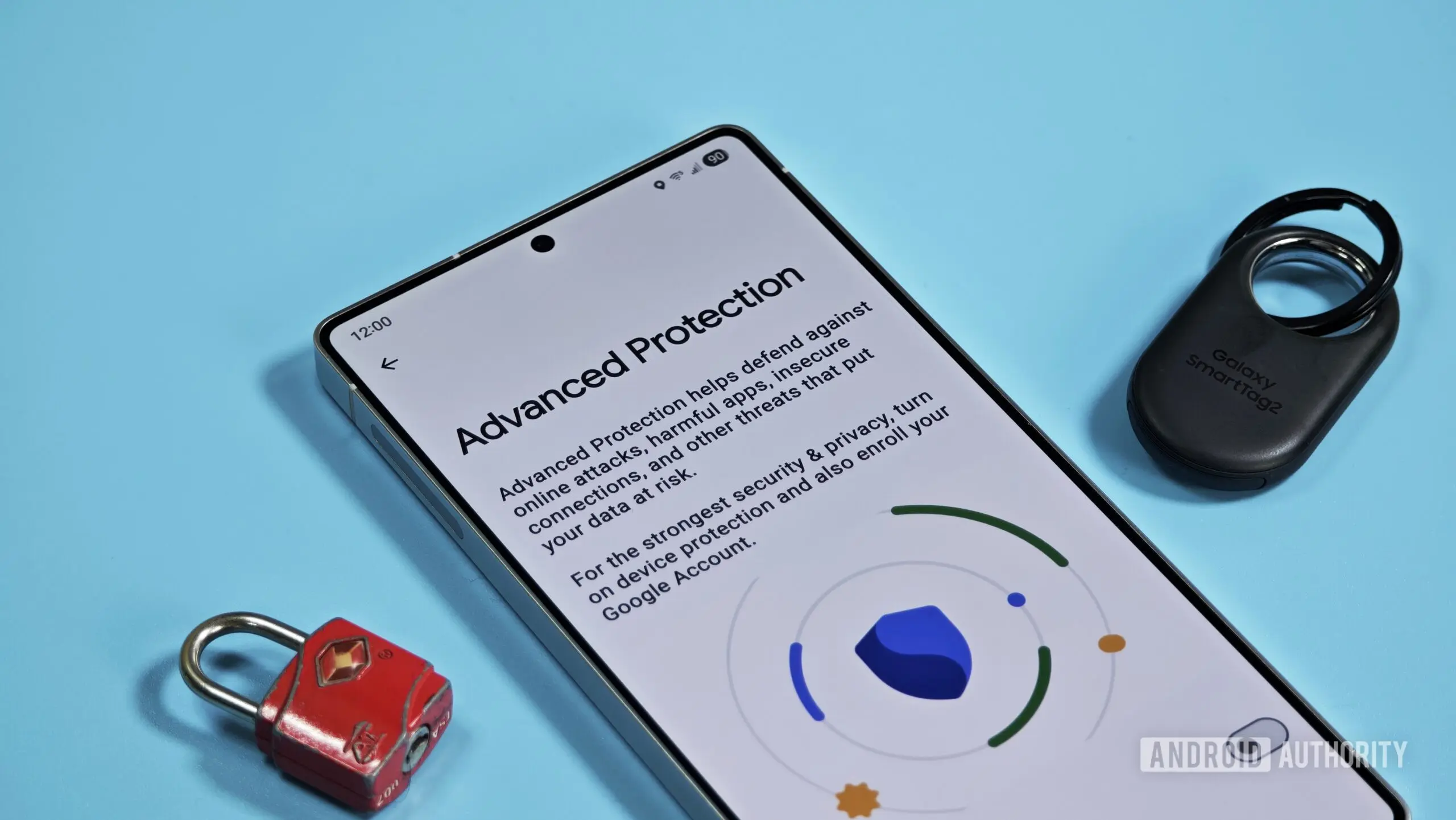
Google has been steadily enhancing Android's security ecosystem, and the latest development targets an often-criticized aspect of its Advanced Protection mode. Evidence from a teardown of Google Play Services (version 26.30.31) indicates the company is introducing a temporary pause option for Advanced Protection, allowing users to sidestep certain restrictions for up to three hours before the system automatically re-enables all protections.
Advanced Protection is designed for high-risk users—journalists, activists, executives, and others who face targeted attacks. Rather than allowing granular security tweaks, it bundles several protections into a single toggle. The trade-off is that some features, including sideloading apps from outside the Google Play Store, become disabled. Previously, users who needed to install an APK had to fully disable Advanced Protection, complete the installation, and then remember to turn it back on—a process that often led to extended periods of reduced security if forgotten.
How the Temporary Pause Works
The teardown reveals a new dialog that appears when a user attempts to turn off Advanced Protection. It states: “While paused, device protection features will be turned off. They will automatically turn back on after 3 hours.” This essentially creates a safety net: users can temporarily disable Advanced Protection for a specific task—like sideloading an app, using enterprise tools that aren't compatible, or testing software—and the system will restore full protection after three hours without any further action required.
This approach differs from Google Play Protect’s pause option, which allows users to disable app scanning for an entire day. Advanced Protection’s shorter window reduces the window of vulnerability, ensuring that even if users forget to re-enable the feature, the risk is limited to three hours. It strikes a balance between usability and security, particularly for power users who regularly sideload apps or need to access legacy enterprise applications.
Background on Advanced Protection
Google introduced Advanced Protection in 2017 for Google accounts, later expanding it to Android devices. The mode enforces stricter security measures: it blocks sideloading of apps from unknown sources, restricts access to accessibility services, prevents app cloning, and often limits the ability to install apps from outside the Play Store. It also requires a physical security key for account login and strengthens phishing protections. While these measures are critical for high-risk individuals, they can be cumbersome for legitimate use cases like installing apps from alternative app stores or side-loading beta software.
The upcoming change is part of Google’s broader security roadmap. In 2024, the company announced a new developer verification system that will begin rolling out user-facing protections on September 30, 2026, with a global expansion in 2027. As part of that rollout, Android will introduce a more restrictive installation flow for apps from unverified developers. Although sideloading won't be eliminated, users will encounter additional security checks and prompts when installing apps from unknown or unverified sources. The temporary pause feature for Advanced Protection appears to be a preparatory measure, making it easier for users to navigate these evolving rules without compromising security.
Implications for Users and Enterprise
For enterprise environments, the ability to temporarily pause Advanced Protection can streamline IT operations. Many companies rely on in-house apps that are not distributed through the Play Store. With the new feature, employees who are enrolled in Advanced Protection can install corporate apps without needing a lengthy disable-re-enable cycle, reducing support tickets and user frustration. Similarly, developers testing pre-release versions of their apps on personal devices can now do so more safely.
Security researchers have long criticized the all-or-nothing nature of Advanced Protection. The new pause option addresses this criticism, providing a manageable alternative that still enforces a time-limited window. It also aligns with the principle of least privilege, where elevated permissions are granted only for the minimum time needed.
Technical Details and Timeline
The feature is still under development, as indicated by its presence in an unreleased version of Google Play Services. It is not yet available in the stable channel, but its appearance in code suggests Google is actively testing it. Based on the timing of other security announcements, it could launch alongside Android 18 or as part of a Play Services update later in 2026. Given that the new sideloading rules are due in September 2026, it is plausible that the Advanced Protection pause will ship before or at the same time to smooth the transition for users.
It is worth noting that the three-hour limit is configurable? The teardown did not reveal any options to extend the duration, but future iterations might allow user-defined periods. For now, the fixed three-hour window strikes a reasonable balance—long enough to complete most installation or testing tasks, short enough to prevent prolonged exposure.
Comparison with Other Platforms
Apple’s iOS has long restricted sideloading, but for users who enable it (e.g., through enterprise certificates), Apple does not offer a temporary pause similar to what Google is building. Samsung’s Knox platform also includes granular security controls, but nothing as simple as a timed pause. This move by Google could set a new standard for how mobile operating systems handle temporary security toggles.
Additionally, the feature may be extended to other restrictions imposed by Advanced Protection, such as disabling accessibility services or blocking unknown caller IDs. However, the teardown specifically highlighted the sideloading use case, so other benefits may be secondary.
Security Trade-offs and Best Practices
While the temporary pause is convenient, it still exposes the device to potential threats during the three-hour window. Users should only pause Advanced Protection when absolutely necessary and for the shortest time possible. Google recommends completing the task immediately and then allowing the auto-re-enable to restore protection. The feature is designed to reduce the risk of forgetting to re-enable, but it does not eliminate the risk entirely. For example, if a user pauses protection and then downloads a malicious APK, they could be compromised before the three-hour window ends. However, the risk is far lower than the current scenario where users often leave Advanced Protection disabled indefinitely.
Security experts applaud the move as a pragmatic improvement. “Advanced Protection is a double-edged sword,” says one analyst. “It offers unmatched security but at the cost of usability. This pause feature respects user needs without sacrificing the core purpose of the mode.”
As Android evolves, the line between security and convenience continues to blur. With this upcoming feature, Google is taking a sensible step toward making its strongest security option more accessible to the very people who need it most—without weakening the protection itself.
Source: Android Authority News