

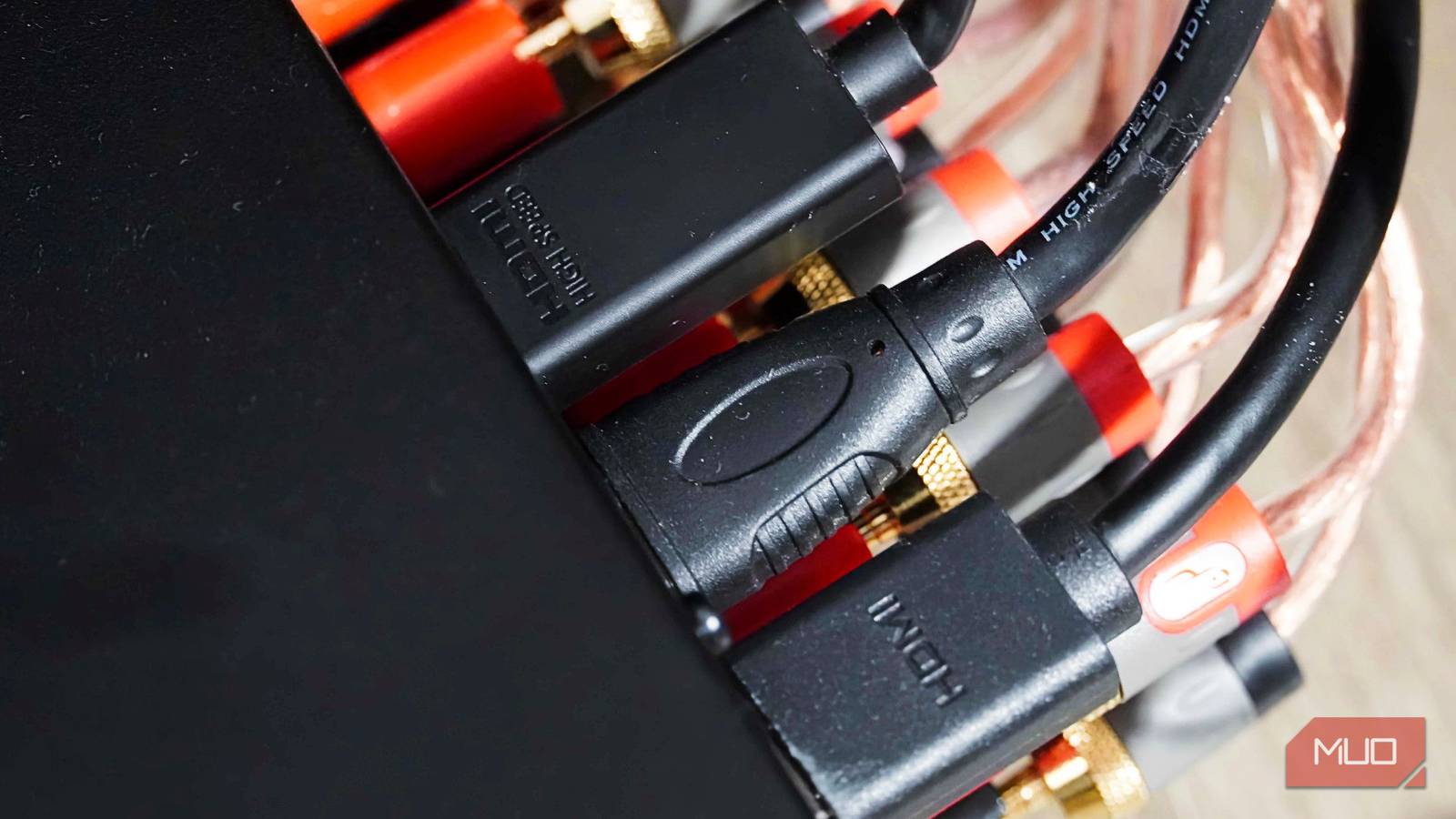
When you stand in the electronics aisle staring at rows of HDMI cables, the price tags tell a confusing story. A six-foot cable can cost anywhere from $8 to $200. The packaging boasts version numbers like HDMI 2.0 or 2.1, and terms like "Premium High Speed" or "Ultra High Speed." It's easy to think that spending more money guarantees a better picture or sound. But that's not how digital signals work. Once you understand the basic physics behind HDMI, the decision becomes simple: buy a certified cable that meets your hardware's requirements, and ignore the rest.
Digital signals are binary, not analog
To understand why expensive HDMI cables are mostly a waste, you have to look at how the signal travels. In the old days of analog connections—composite video, component, VGA—the signal was a continuous electrical wave. That wave could degrade as it traveled through a cheap cable. Resistance, interference, and poor shielding could soften the picture, introduce ghosting, or make audio sound muffled. The cable quality directly determined the output quality.
HDMI is completely different. It transmits data as a stream of ones and zeros—a digital signal. There is no "in-between." The signal either arrives intact or it doesn't. This is often called the digital cliff effect. If the cable is good enough to pass the signal without errors, your display reconstructs a perfect image. If the cable is too poor, you get blackouts, screen tearing, audio dropouts, or random flickering pixels. There is no middle ground where an expensive cable gives you a slightly sharper picture than a cheap one.
This fact demolishes the premium cable marketing. High-end brands often rely on analog-era thinking: gold-plated connectors, thick shielding, exotic materials. None of that improves a digital signal. A gold plug doesn't make a "1" travel any cleaner. Braided jackets might add durability, but they don't affect image quality over typical home distances. A basic $10 certified cable will give you the exact same picture and sound as a $200 one, as long as the signal gets through without errors.
There are two scenarios where cable quality truly matters: very long runs (over 25 feet) and environments with extreme electrical interference. High-frequency signals do weaken over distance, and longer cables may need active boosters or fiber-optic hybrids. But for the vast majority of home setups—where cables are 3 to 10 feet long—price makes zero difference.
Match the cable to your hardware
The best way to avoid overpaying is to know what your devices actually need. Many shoppers look for version numbers like HDMI 2.0 or 2.1 on the package, but that's not the right approach. The cable itself only controls bandwidth—how much data can pass through per second. The source device and display determine what features are used (like 4K at 120Hz, HDR, or Variable Refresh Rate). Buying a cable that exceeds your hardware's capabilities adds zero benefit; it just costs more.
The HDMI Licensing Administrator has simplified things with certification labels. Here's what you need to know:
- Standard Speed (Category 1): 4.95 Gbps. Suitable for 1080p at 30Hz. Nearly obsolete today, but still found in very old equipment.
- High Speed (Category 2): 10.2 Gbps. Handles 1080p at 60Hz and 4K at 30Hz. Good for basic HDTVs and older monitors. Costs under $10.
- Premium High Speed: 18 Gbps. Required for 4K at 60Hz with HDR (10-bit color). This is the sweet spot for most current streaming devices (Roku, Apple TV, Fire TV) and Blu-ray players. Typically $10–$15.
- Ultra High Speed: 48 Gbps. Needed for 4K at 120Hz, 8K at 60Hz, and features like VRR, ALLM, and eARC. Used by PS5, Xbox Series X, and high-end gaming PCs. Certified cables cost around $20–$30.
Notice that even the most advanced certified cable is still relatively cheap. An Ultra High Speed cable from a reputable brand like Monoprice or Amazon Basics costs about $20 for a six-foot length. That's a far cry from the $100+ cables sold at big-box retailers. And it will perform identically to any luxury brand over normal distances.
Most people only need a Premium High Speed cable. If you're connecting a 1080p office monitor or a secondary TV for casual viewing, a standard High Speed cable is fine. Only gamers with expensive consoles or PCs need to step up to Ultra High Speed. And even then, paying more than $30 for a six-foot cable is pointless.
Common installation mistakes
Even the best cable can fail if it's installed carelessly. HDMI cables contain thin copper wires that are surprisingly fragile. Forcing a cable around a sharp corner or cramming a wall-mounted TV back against the wall can damage the internal wiring. Every cable has a minimum bend radius—usually about three times the cable's diameter. If you bend it tighter, you risk breaking the internal pairs, which can cause signal loss or intermittent blackouts.
Another common mistake is letting the cable hang unsupported from the TV's port. Heavy cables—especially those with thick shielding or braided jackets—put constant downward pressure on the HDMI connector. Over time, this can bend or loosen the pins inside the port, leading to a connection that cuts out whenever the cable is bumped. The fix is simple: use a cable tie or adhesive clip to secure the cable to the TV mount or media console. That way the weight is borne by the clip, not the port.
Longer cables—especially active or fiber-optic hybrids—are directional. Regular copper cables (under 25 feet) usually work both ways, but cables with built-in signal boosters or optical transceivers have specific ends. The end marked "Source" must plug into the player, and "Display" into the TV. If you run a 50-foot cable backward through a ceiling or wall, you'll get absolutely no signal until you flip it. Always check the labels before installation.
Special considerations for gamers
Modern gaming consoles and PCs push HDMI to its limits. Features like Variable Refresh Rate (VRR), Auto Low Latency Mode (ALLM), and 4K at 120Hz require the full 48 Gbps bandwidth of Ultra High Speed cables. Using an older Premium High Speed cable will likely still work for 4K at 60Hz, but you'll miss out on smooth frame rates and instant response. For serious gaming, an Ultra High Speed cable is worth the small extra cost.
However, even here, you don't need a premium brand. A $25 certified Ultra High Speed cable from a reputable manufacturer is exactly as capable as a $150 monster cable. The certification ensures it has been tested to handle 48 Gbps without errors. Look for the official Ultra High Speed HDMI logo on the package.
Another gaming-specific issue is eARC (enhanced Audio Return Channel). This feature lets you send high-bitrate audio (like Dolby Atmos) from your TV back to a soundbar or receiver. eARC requires a cable that can handle at least 18 Gbps, but for full compatibility, an Ultra High Speed cable is recommended. If you're setting up a home theater, invest in a certified cable to avoid audio dropouts.
The long view
HDMI has been evolving for over two decades. Version 1.0 appeared in 2002, and we're now at version 2.1b. Each iteration increased bandwidth and added features like Ethernet channel, 3D, 4K, HDR, and dynamic metadata. But the fundamental principle hasn't changed: it's a digital stream. The cable is just a pipe. As long as the pipe is wide enough for the data, it doesn't matter how much you spent on it.
Manufacturers know that consumers are confused, so they use marketing tricks to create false differentiation. They put version numbers on the box that don't correspond to cable specs—HDMI 2.0 and 2.1 are device standards, not cable standards. They sell "Gold Series" or "Platinum" cables for five times the price of a certified equivalent. They even claim that expensive cables "future-proof" your setup. That's nonsense: a certified Ultra High Speed cable today will handle anything currently on the market, and future devices will likely use the same cable standards for many years. The real limitation will be your source and display, not the cable.
So what should you do? First, identify what your hardware can output. Check the specs of your TV, monitor, or projector, and then look at your source devices. Second, buy a certified cable that matches the highest bandwidth you need. Third, avoid unnecessary extras like gold plating or braided jackets unless you need extra durability for frequent plugging/unplugging. Fourth, secure the cable so it doesn't strain the port. And if you're running a cable through walls, buy a CL2-rated cable for fire safety—but still look for the speed certification.
At the end of the day, the HDMI cable market is full of traps. The $10 cable from a discount store is often just as good as the $100 one from a luxury brand. Digital signals are binary: they work or they don't. Once your cable passes that binary test, nothing else matters. Don't let marketing confuse you. Spend your money on the things that actually improve your experience—better speakers, a larger screen, or a faster streaming device—not on overpriced wire.
Source: MakeUseOf News