

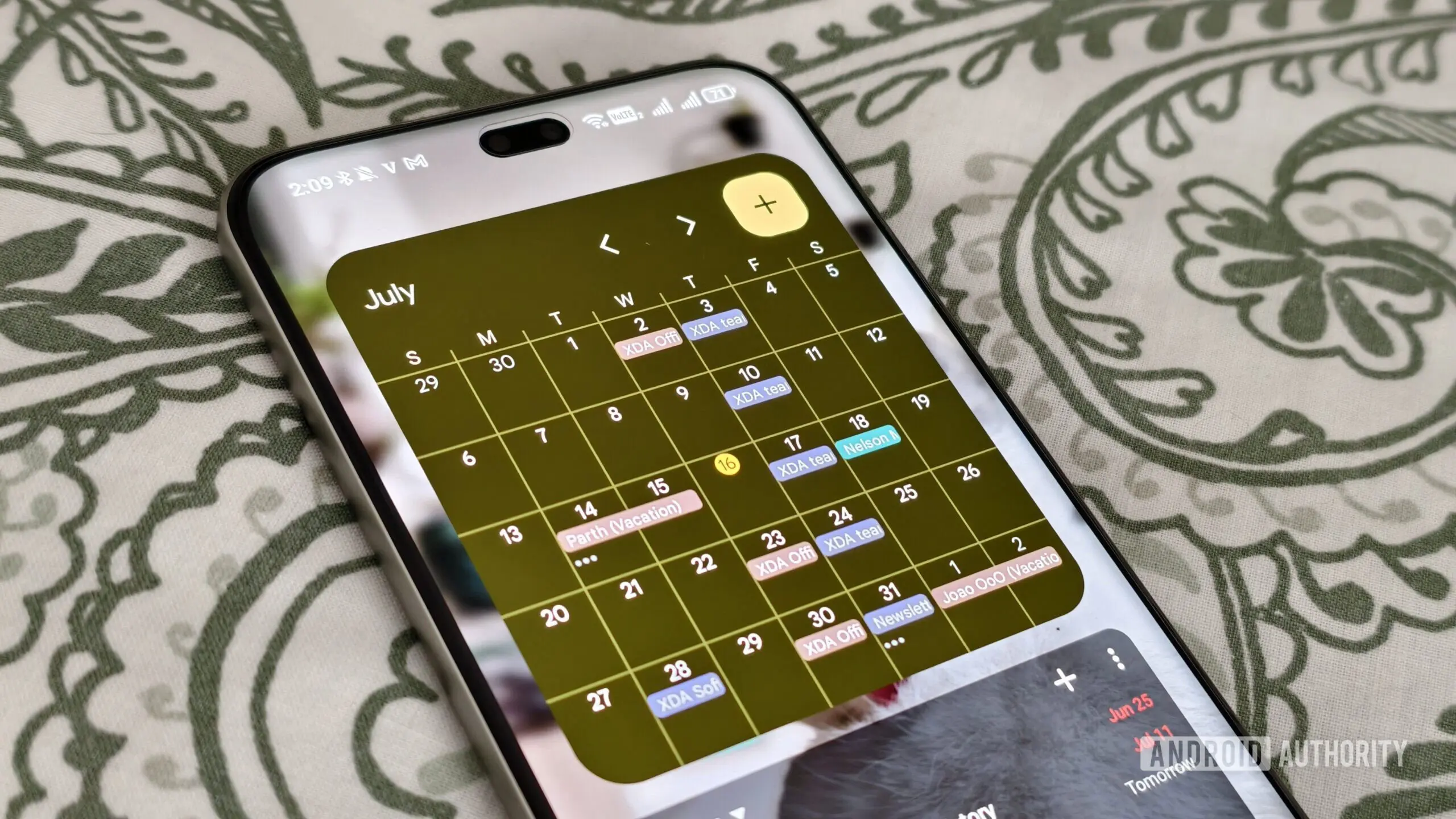
For years, users with large monitors or high-resolution displays have faced a frustrating reality when using Google Calendar: vast expanses of empty white space. The calendar grid, designed primarily for standard laptop screens, stubbornly refused to adapt. Events appeared tiny and isolated, making it difficult to read details or quickly scan the day's schedule. That era of inefficiency is finally ending. Google has begun rolling out a significant update to the Calendar app that introduces three information density options, giving users unprecedented control over how their calendar appears on big screens.
The Rise of Big Screens and the Need for Transformation
The modern workspace is dominated by large monitors — 27-inch, 32-inch, even ultra-wide displays are common in offices and home setups. Similarly, tablets, foldable phones, and external displays for laptops have become mainstream. Yet productivity apps have often lagged behind in optimizing their interfaces for these screen real estate giants. Google Calendar, one of the most widely used scheduling tools, was no exception. The default 'Comfortable' spacing, while adequate on smaller screens, left huge gaps on larger displays. This not only wasted space but also forced users to scroll more and interpret a cluttered, albeit sparse, interface.
Google acknowledged this pain point earlier in 2026 when it announced plans to adjust information density based on screen size. The wait is now over. The update, which began rolling out on July 29, 2026, brings a much-needed breath of fresh air to the Calendar interface.
Understanding the Three Density Options
The core of the update is a new setting in the Calendar view options. Instead of a single layout, users now have three distinct choices: Responsive to your screen, Comfortable, and Compact. Each serves a different purpose and caters to various screen sizes and personal preferences.
Responsive to Your Screen
This is the standout feature of the update. When selected, the calendar grid dynamically scales and enlarges events to fill the available screen width. For example, on a 32-inch monitor, a one-hour meeting will occupy a much larger area than it would on a 13-inch laptop screen. This automatic resizing ensures that event titles, locations, and participants are easily readable without squinting or zooming. The algorithm calculates the optimal event size based on the display's pixel density and viewport. The result is a layout that feels natural and effortless, making large screens feel truly productive rather than wasteful.
Comfortable
The 'Comfortable' option retains the traditional Google Calendar layout with generous spacing between events and around the grid. This is the default setting that has been present for years. It works well on standard monitors and for users who prefer a clean, uncluttered look. Even on a large screen, selecting 'Comfortable' will keep events at a fixed size, leaving wide margins. This option is ideal for users who frequently switch between multiple apps and prefer the calendar to remain compact and unobtrusive.
Compact
For power users who want to see as many events as possible at a glance, the 'Compact' option tightens spacing significantly. Events are displayed with minimal padding, and text is condensed. This view is particularly useful for week or month views where you need to scan upcoming deadlines, meetings, and reminders. On a large monitor, the compact view can show several weeks of events without scrolling, giving an exceptional overview of your schedule. The downside is that readability may suffer for very small screens, but on big displays with high resolution, it is surprisingly legible.
How to Enable the New Options
The update is server-side, meaning there is no need to manually install anything from the Play Store or App Store. Google is rolling out the change gradually, so users may see it in their Calendar settings over the coming days. Once available, the three options can be found under the 'View' menu (or gear icon in some versions) in the Calendar web app. For mobile apps, the options appear in the settings menu under 'Density mode'. The change applies to day, week, month, and schedule views, though the effect is most pronounced in the week and day views where events occupy horizontal space.
By default, the Calendar app will automatically select 'Responsive to your screen' if it detects a sufficiently large display. However, users can override this and stick with 'Comfortable' or switch to 'Compact' depending on their preference. The setting is remembered across sessions.
Availability and Compatibility
According to the official announcement, this update is available to users with personal Google accounts (standard Gmail users) as well as all Google Workspace customers and Workspace Individual subscribers. This means virtually everyone using Google Calendar will gain access to the new density options. The rollout started on July 29, 2026, and may take up to 15 days to reach all users. No administrative action is required for Workspace domains; it will simply appear in the Calendar interface.
It is worth noting that the feature is available on both the web version (calendar.google.com) and the mobile apps for Android and iOS. However, the 'Responsive' option is most impactful on desktop and tablet screens, while the 'Comfortable' and 'Compact' options are equally useful across all platforms.
Comparison with Competitors
Google Calendar is not the first scheduling app to offer flexible screen density. Apple Calendar on macOS has long allowed users to adjust event font size and spacing, though not as dynamically. Microsoft Outlook for Windows offers a 'Compact' view in the calendar module, but it is less customizable. Fantastical, a popular third-party calendar app, provides numerous density settings. With this update, Google Calendar catches up to and in some ways surpasses its rivals by offering an automatic responsive mode that adjusts in real-time based on the screen.
The key advantage of Google's approach is that it uses the screen's native resolution and size to determine the ideal layout, rather than relying on a generic zoom level. This ensures that text remains crisp and events are properly aligned. Users of ultra-wide monitors, in particular, will appreciate how the calendar adapts to fill the width rather than leaving huge empty columns on either side.
Historical Context: Google Calendar's Layout Evolution
Google Calendar launched in 2006 with a simple, functional design. Over the years, it received incremental updates: the addition of week view, improved month view, and later, the 'Schedule' view that shows a scrollable list of events. However, the core grid layout remained essentially the same. The introduction of 'Comfortable' spacing years ago was a step toward readability, but it didn't address the issue of large screens. In 2024, Google introduced a redesigned interface for Calendar that streamlined the sidebar and event creation, but again, density was not tackled. This 2026 update represents the most significant change to the calendar grid since the beginning.
Why This Matters for Productivity
Screen real estate is a finite resource, and wasting it can lead to decreased productivity. When users have to constantly resize windows, zoom in, or squint to read small event details, they lose focus. By allowing the calendar to scale automatically, Google is reducing cognitive load. A well-spaced, easy-to-read calendar helps users quickly grasp their day's structure and plan accordingly. Moreover, the flexibility to switch between density modes means the same user can optimize their calendar for different situations: a detailed view for planning and a compact overview for quick scanning.
The update also benefits accessibility. Users with vision impairments can use the 'Responsive' mode to enlarge events on large displays without needing to manually increase zoom levels, which often distort the layout. The 'Compact' mode, conversely, helps power users who prefer to see more information at once, reducing scrolling fatigue.
What the Future Holds
This update suggests that Google is increasingly focusing on adapting its productivity suite to diverse hardware environments. With the rise of foldable phones (like the Pixel Fold) and large-screen tablets, we can expect further refinements. Possibly, Google Calendar will introduce layout presets for specific device types, or even offer custom density sliders. The current three options provide a good starting point, but there is room for more granular control, such as adjusting event padding, font size, and row height independently.
Additionally, while the current update focuses on the calendar grid, similar density improvements could be applied to other parts of Google Calendar, such as the event pop-up, the month view header, or the task list. Google may also roll out analogous updates to other Workspace apps like Google Tasks and Google Keep, which also suffer from wasted space on large screens.
The rollout is still in its early days. Some users have reported seeing the options immediately, while others are still waiting. As with most Google updates, patience is key — the feature will become universally available soon. In the meantime, users can manually adjust their browser zoom or use browser extensions to simulate the effect, though nothing replaces the native, smooth experience that Google has now built.
Overall, this update marks a thoughtful improvement to a core daily tool. By listening to user feedback and addressing the long-standing problem of wasted space, Google Calendar has become more adaptable and user-friendly. Whether you work on a tiny laptop screen or a massive curved monitor, you now have the power to choose the best view for your workflow. Say goodbye to the vast white deserts of yesteryear — Google Calendar is finally ready for big screens.
Source: Android Authority News